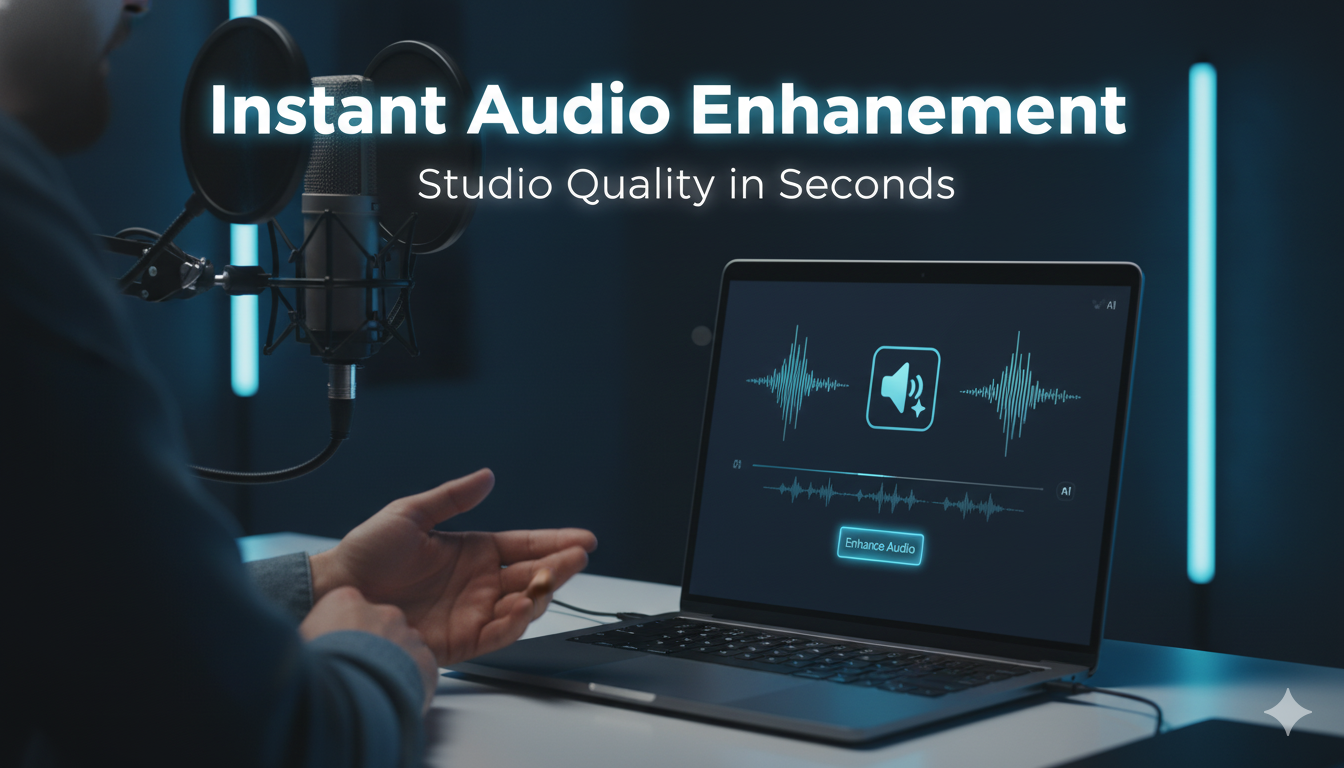
Agar aap YouTube creator, podcaster, voice-over artist, teacher, ya content marketer ho, to aapko ek problem hamesha hoti hogi — audio quality. Background noise, echo, mic quality issues, hiss sound… in sab problems ki wajah se professional content banana mushkil hota hai.
But guess what?
⚡ Aap apni audio ko sirf 1 second me studio level quality me convert kar sakte ho, wo bhi free AI tool se — Adobe Podcast Enhance.
Is blog me hum detail me samjhenge:
- Adobe Podcast kya hai
- Kaise use karein
- Kaise 1 second me studio-level audio banayein
- Best use cases
- SEO keywords
- Tips for best audio recording
What is Adobe Podcast Enhance?
Adobe Podcast Enhance ek AI-based online tool hai jo aapki normal, noisy, ya low-quality audio ko clear, professional aur crystal studio-level sound me convert kar deta hai.
Aapko sirf:
- Audio upload karna hota hai (MP3, WAV, M4A, etc.)
- Tool automatically noise remove, echo cleanup, voice enhance, aur volume balance kar deta hai
- Result = Clean, crisp, premium studio audio
Short Keywords
- Audio enhancement
- Studio sound
- Adobe Podcast
- Clean audio tool
- Noise removal tool
Long Tail SEO Keywords
- How to enhance audio quality using Adobe Podcast
- Best AI tool to improve voice recording
- Free tool to remove background noise from audio
- Convert normal audio into studio-level sound
- How to improve audio quality instantly online
How to Enhance Audio Instantly Using Adobe Podcast (Step-by-Step)
✔ Step 1: Go to the official tool
👉 https://podcast.adobe.com/en
✔ Step 2: Create a free Adobe account (takes 1 min)
✔ Step 3: Click on “Enhance Speech”
✔ Step 4: Upload your audio file (MP3, WAV, M4A etc.)
✔ Step 5: Wait 1–5 seconds (depending on file length)
🎧 And Boom!
Aapki low-quality audio instantly professional studio-level ban jayegi — bina mic, bina recording setup, bina editing skills.
Why Creators Love Adobe Podcast Enhance
⭐ 1. Background Noise Remove
Fan noise, road noise, reverb, laptop hum… sab automatically clean ho jata hai.
⭐ 2. Studio Level Voice Clarity
Aapki voice bilkul crisp aur balanced ho jati hai — jaise professional mic me record hui ho.
⭐ 3. Zero Audio Editing Skills Required
Na Audacity, na Adobe Audition, na sound mixing — just upload and download.
⭐ 4. Free for Basic Use
Beginners aur content creators ke liye free AI audio enhancer available hai.
Best Use Cases of Adobe Podcast Enhance
🎙 Podcasting
Voice clarity improves = Professional sounding podcast.
🎥 YouTube Videos
Background noise remove = More audience retention.
👨🏫 Online Teaching
Loud & clear audio = Better learning experience.
🎭 Voiceovers
No mic? Still studio-level voiceover possible.
📱 Mobile Recording Cleanup
Agar aap phone se record karte ho, toh results mind blowing hote hain.
Comparison: Before vs After Enhance Speech
| Feature | Before Adobe | After Adobe |
|---|---|---|
| Noise Level | High | Zero |
| Voice Clarity | Low | Crystal Clear |
| Echo | Disturbing | Removed |
| Professional Quality | No | Yes |
| Editing Skills | Required | Not Required |
SEO Optimized Lines for Ranking
- “Instantly convert normal mobile recording into studio-quality audio”
- “Best AI audio enhancement tool for YouTubers and podcasters”
- “How to improve audio quality without microphone”
- “Free online speech enhancement tool for beginners”
- “Best way to remove background noise instantly from audio”
Pro Tips For Best Results
✔ Try to record in a quieter room
✔ Keep mic close to your mouth
✔ Avoid fan or AC sound
✔ Speak clearly
✔ Use Enhance Speech only once (multiple times sounds robotic)
Conclusion
If you want professional studio-quality voice recording bina extra expense aur bina audio editing, then Adobe Podcast Enhance is currently one of the best AI audio tools in the world.
Sirf 1 second me:
- Background noise clean hota hai
- Echo remove ho jata hai
- Voice sharp aur premium ban jati hai
- Audio quality professional ho jati hai
Perfect for YouTubers, podcasters, teachers, voice-over artists, developers, and mobile creators.